Usage
After installation is complete the slots can be used like the original 6, the Controller UI is unchanged.
Using the High Capacity Tool rack in CAM
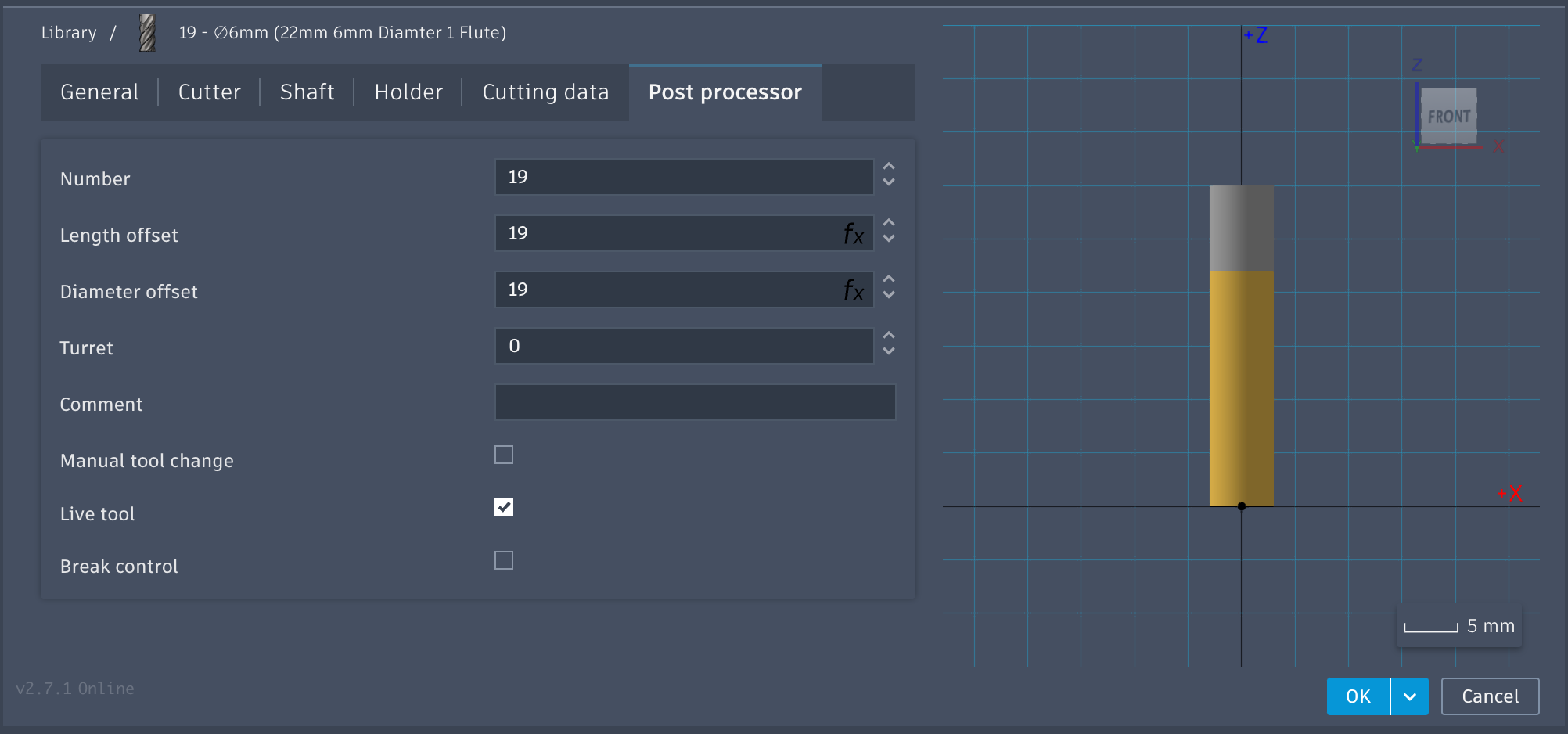
In CAM all the slots can be addressed via the expanded slot range. For example a tool in slot 19 in Fusion 360 would be defined as number 19.
If a tool number higher than the available physical slots is used, the machine will automatically use the manual tool change routine, and prompt on the Controller that the operator physically assist in the tool change similar to the Carvera Air.
Changing Tools above #6 in Controller
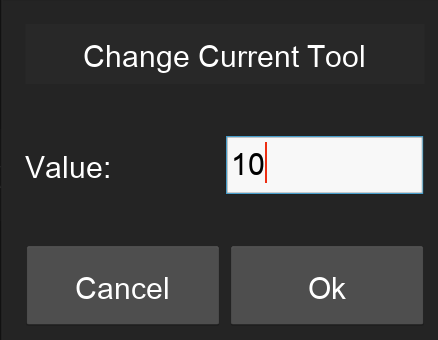
The dropdowns in the Controller have intentionally not been changed as adding additional options makes the list longer than most screens allow. When Changing or Setting to a tool with a slot number greater than 6, use the Custom option at the end of the list. This will bring up a prompt to enter the number.